











Featured product


craftedtree
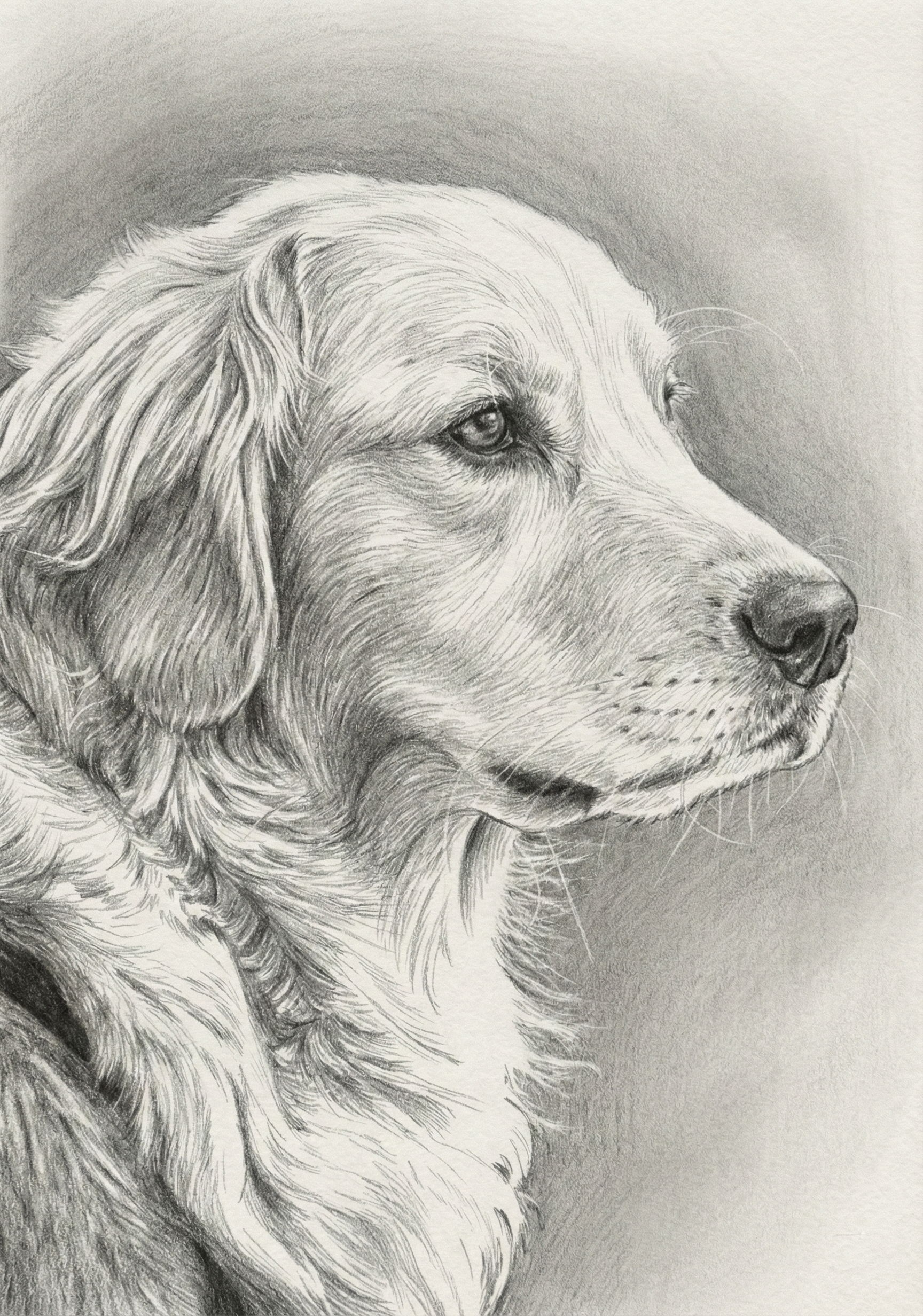
Pet Portrait
Size
How to Use G-Code Files on your CNC machine: A Step-by-Step Guide
"You downloaded a G-code file. Now what? If you've ever stared at a .nc or .gcode file wondering how to get it onto your machine, this guide is for you."
What Is a G-Code File?
A G-code file is a set of movement instructions for your CNC/Laser engraver or 3d printing machine.
Loading and Running a G-Code File
Download and unzip your file
Home your machine / set work origin according to the what the file says
Load the Gcode file
Do a dry run (no laser/spindle) to check bounds
Turn on your spindle.
Run the job
Troubleshooting Common Issues
Make sure the the work area of your machine is bigger than the file you want to run.
Below are links to some of the files that I have on this site.
🔗 Bald Eagle Stipple Art G-Code File — clean, tested tool paths
🔗 Mercedes AMG Stipple Art CNC File — great for wood or acrylic
🔗 Mustang Stipple Art CNC File
All files in our store are tested and ready to run — no tweaking required. Download one and make your first stipple engraving today.
Testimonials
My wife was happy with it
Great design.
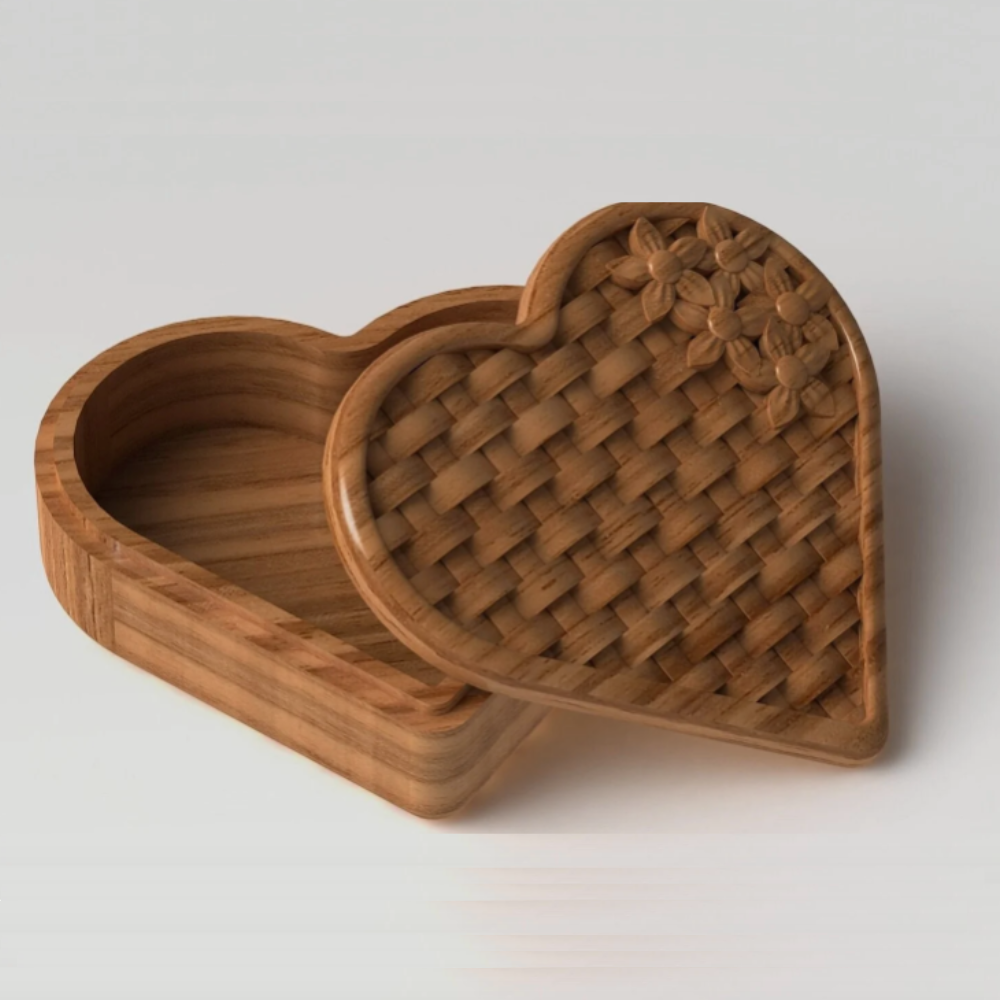
This is a nice heart box.
Such a clever little basket. It printed perfectly!
This carved worked out perfectly. I reached out to the seller for a question and they got back to me very quickly and was very helpful.
Very well crafted Rekebot as described in website description. Received item quickly also. Thank you.
If you're looking for a good quality products, I highly recommend this artisan. Their passion for their craft is truly inspiring and the finished product speaks for itself.